Roles & permissions overview
Everyone who signs in has a role that decides what they can see and do. Roles are made of permissions — small, specific abilities like “manage donations” or “edit pages.” You can use the built-in roles as they are, change them, or create your own.
Who can manage roles: staff with the role permissions (Admins have them). Where: left menu → People → Roles & Permissions.
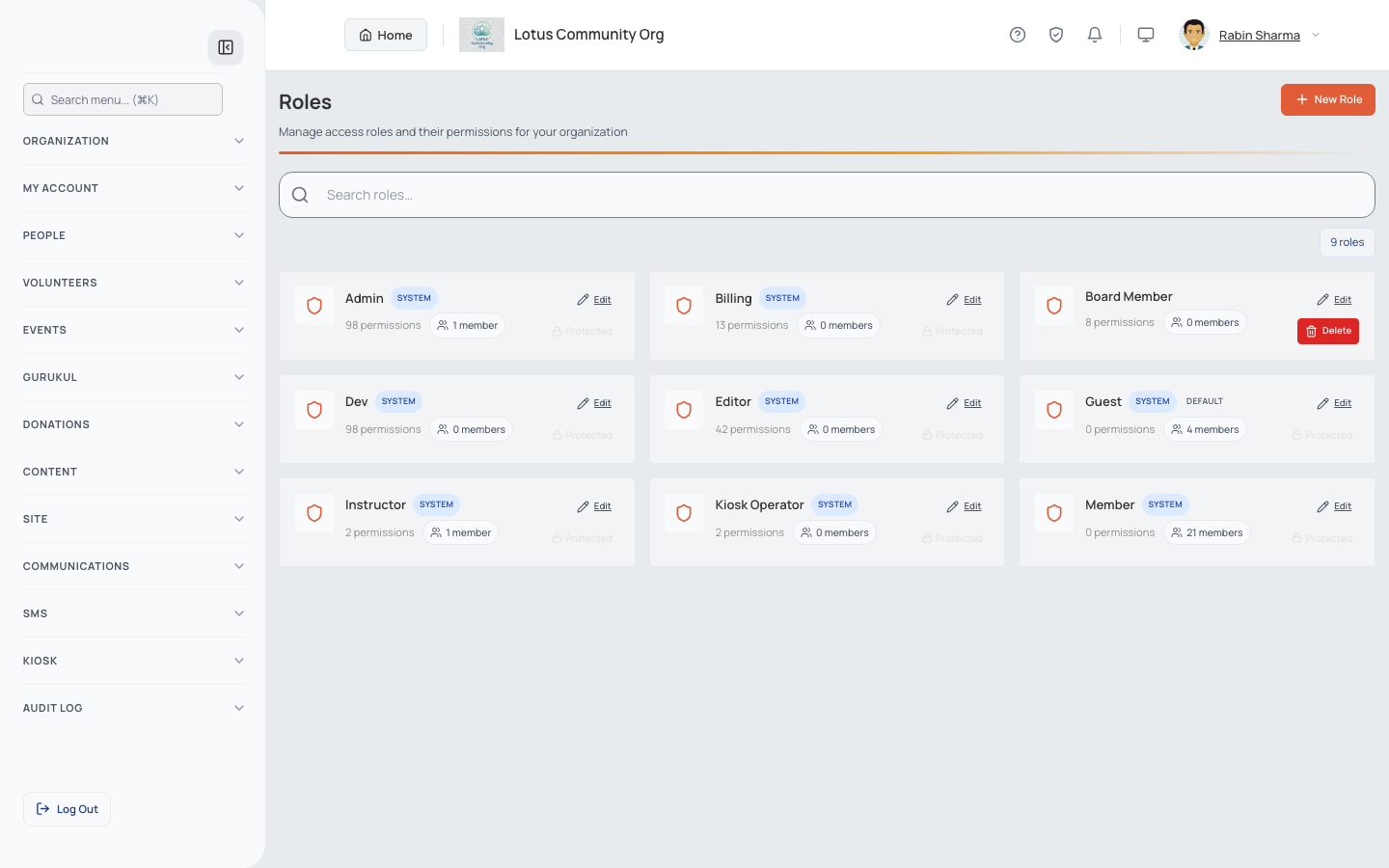
The built-in roles
Section titled “The built-in roles”Every organization starts with these roles already set up:
| Role | What it’s for |
|---|---|
| Admin | Full control of everything your plan includes. The main administrator role. |
| Dev | A second full-access role, for technical staff. |
| Billing | Finances and payments — donations, memberships, Stripe, the kiosk, and financial reports. |
| Editor | Website content — pages, posts, media, forms, theme, and site settings. No access to people or money. |
| Board Member | Read-only oversight — view members and reports, the audit log, and organization info. |
| Instructor | Teaches classes. Manages only their own class rosters, attendance, and sessions. (Added on top of a member’s normal role.) |
| Kiosk Operator | Runs in-person card charges at the kiosk. |
| Member | A regular member. Uses the member portal, not the staff area. |
| Guest | The default starting role. No staff access. |
Where people land after signing in
Section titled “Where people land after signing in”- Staff roles (Admin, Dev, Billing, Editor) go to the staff admin area.
- Member and Guest go to the member portal at
/dashboard.
Your plan sets the ceiling
Section titled “Your plan sets the ceiling”Your Sevabase plan decides which features (modules) your organization has. A permission for a feature your plan doesn’t include simply has no effect, and its menu items don’t appear — even for an Admin. This is why two organizations with the same roles can see different menus.
- Create custom roles tailored to your team.
- See the full permissions matrix.