Custom domain
Every organization gets a free Sevabase subdomain (like
yourgroup.sevabase.io). If you’d rather use your own web address — such as
www.yourgroup.org — you can connect a custom domain.
Who can do this: staff with the Manage custom domains permission. This is part of the Custom Domain module — if you don’t see it, your plan may not include it.
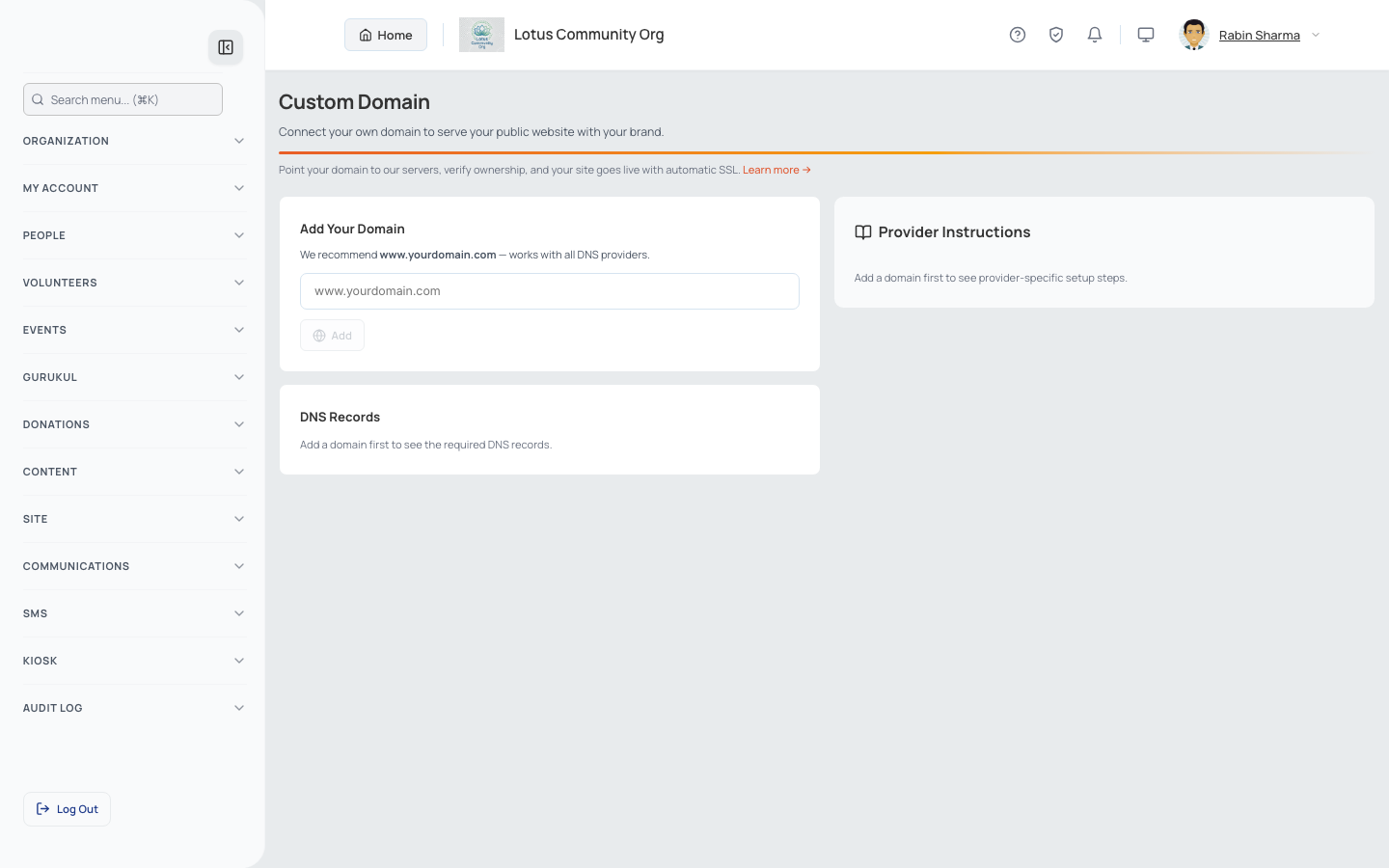
Where: left menu → Organization → Custom Domain.
How to connect your domain
Section titled “How to connect your domain”- Open Custom Domain and enter the address you want to use (using
www.yourdomain.comis recommended). - Sevabase shows you the DNS records to add — usually a CNAME record (and, for a root domain, an A record), plus a verification record.
- Sign in to your domain registrar (GoDaddy, Cloudflare, Namecheap, and others) and add those records. The page has step-by-step guides per registrar.
- Come back and select Verify Domain. DNS changes can take anywhere from a few minutes to a few hours to take effect.
- Once verified, your site is served from your domain with an automatic security certificate (HTTPS).
The page shows a live status badge so you can see whether your domain is verified, pending, or has a problem.
Changing or removing
Section titled “Changing or removing”You can Change the domain (which resets verification) or Remove it. For safety, a removed domain has a short cooldown before it can be reassigned.