Giving (for members)
Members can give and track their own giving from the Giving menu. (Requires the Donations module.)
Give (/dashboard/give)
Section titled “Give (/dashboard/give)”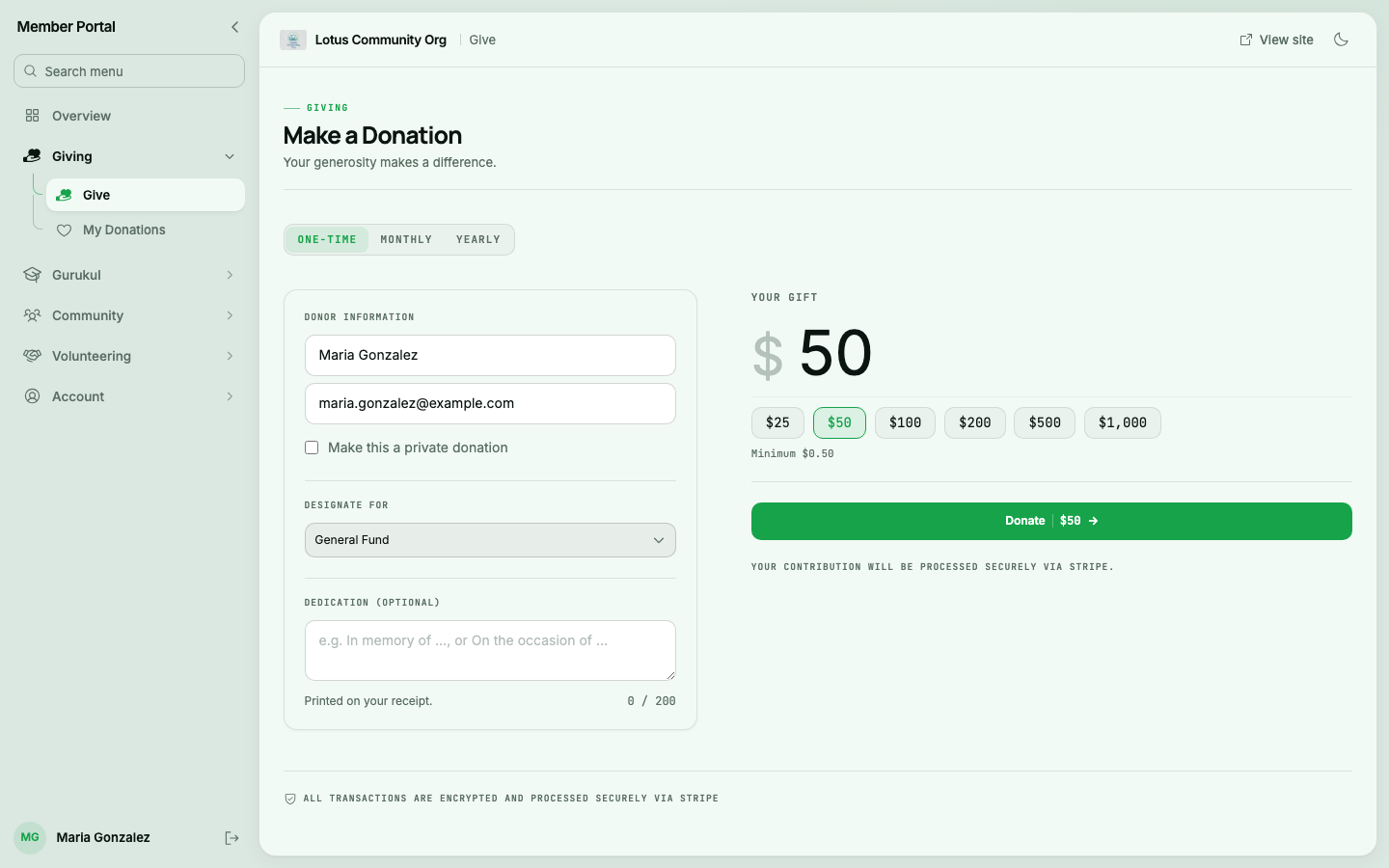
Members choose a tab:
- One-time — enter an amount (or pick a preset), optionally choose a fund to designate it to, add a dedication, mark it private (anonymous), and cover the processing fee. They pay with a saved card (instant) or a new card.
- Monthly / Yearly — subscribe to a recurring giving option (a donation product you created), with the price and any available spots shown.
My Donations (/dashboard/donations)
Section titled “My Donations (/dashboard/donations)”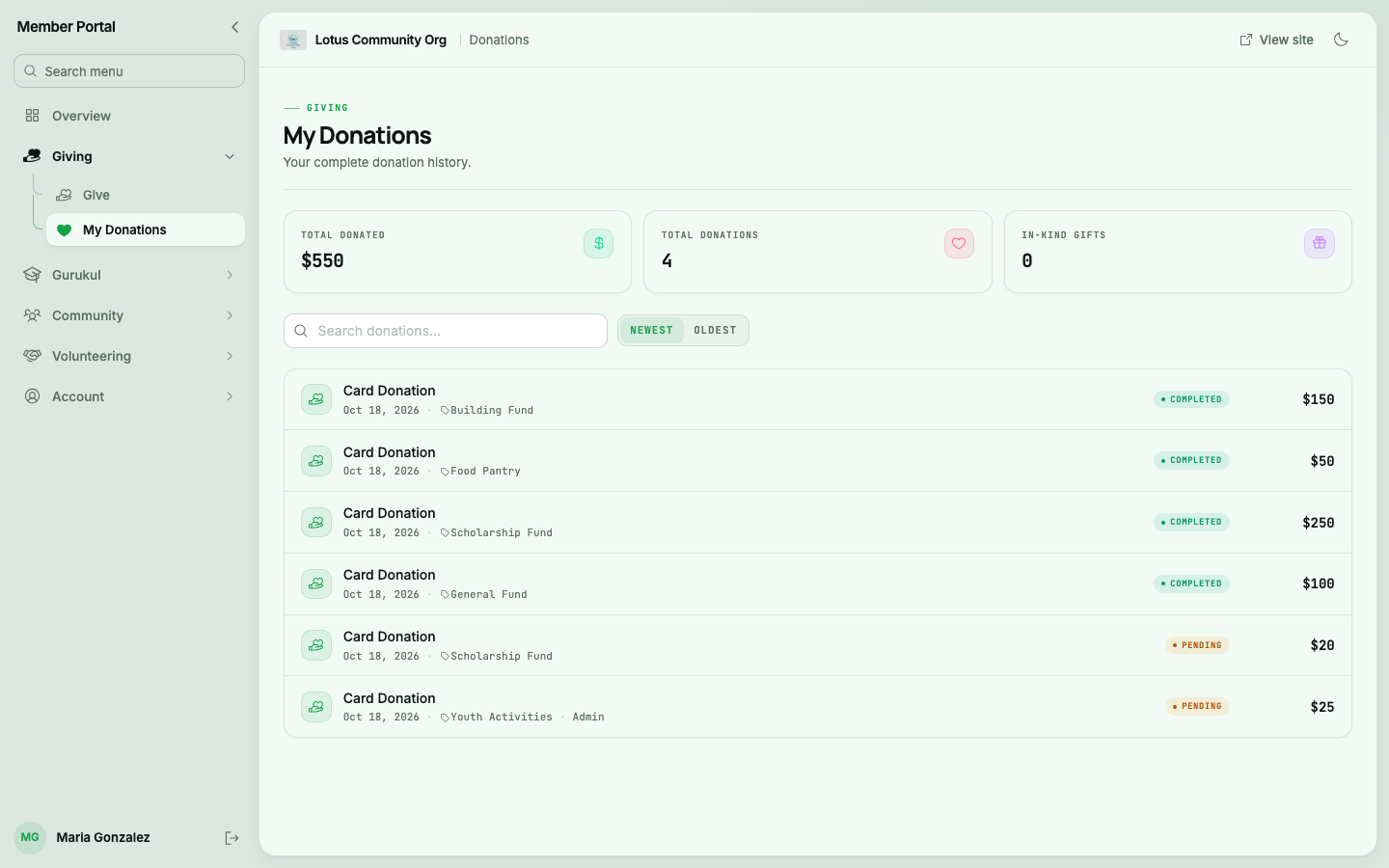
- Giving history — searchable and sortable, with a detail view for each gift (amount, deductible portion, fund, payment method, and reference).
- Tax receipts — download a year-end statement (PDF) for each eligible year.
- Recurring gifts — see active recurring donations and cancel them. A gift whose payment didn’t finish can be completed here, and a cancelling gift can be resumed.
Limits
Section titled “Limits”- Donations need Stripe connected by your organization.
- Making a gift private hides the donor’s name; it’s still a recorded gift.
- Refunds are handled by staff, not by members.