Households & families
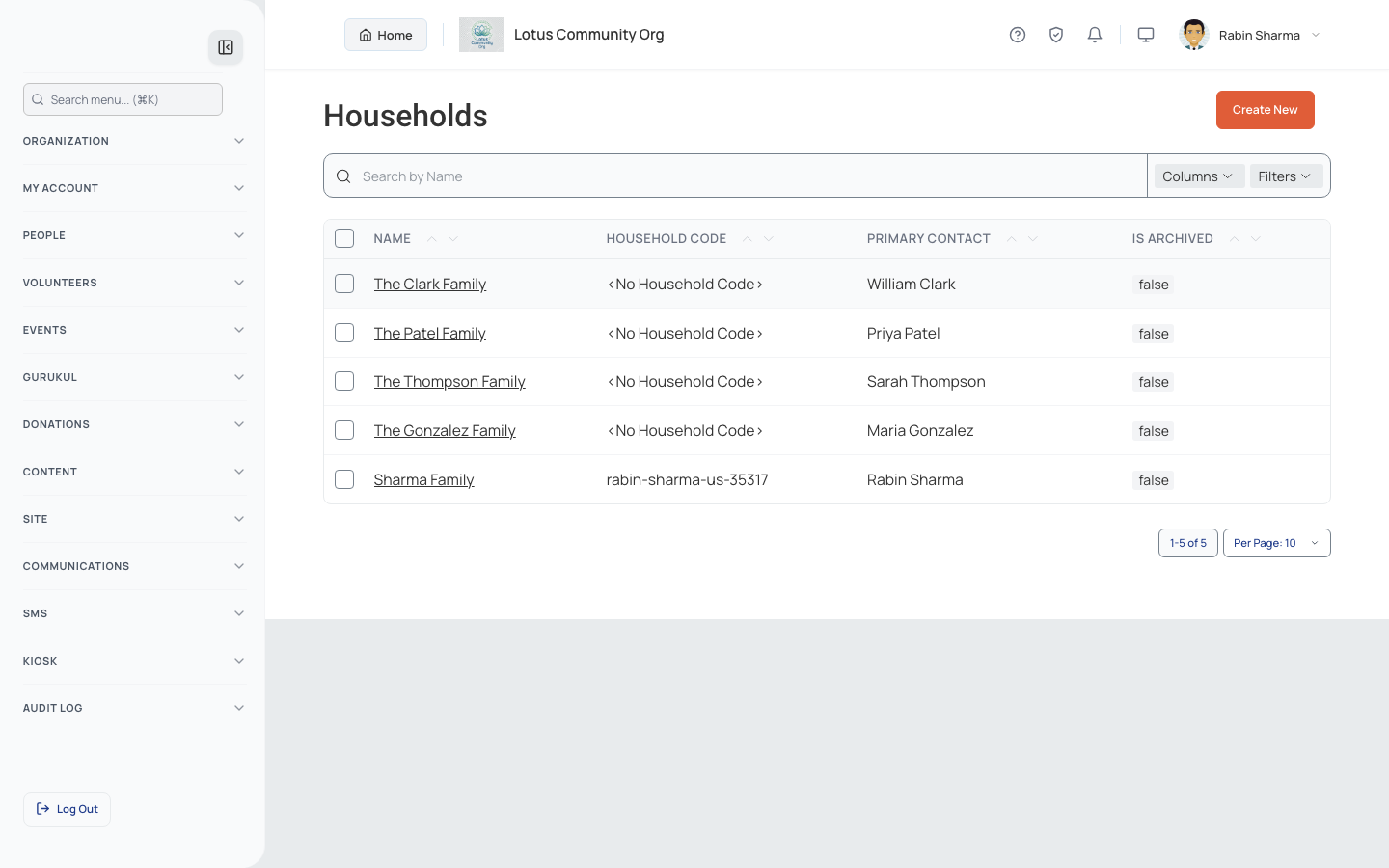
Households let you model real families — a primary contact plus spouses, children, and elders — instead of a list of unconnected individuals.
Who can access: staff with Manage households (part of the Households module). Members manage their own household from the portal.
Where: left menu → People → Households.
What a household is
Section titled “What a household is”- Every household has a primary contact — the person who manages it.
- Members are either login accounts or managed family members (no login, added by name). See account types.
- A household membership plan covers everyone in the family with one payment.
Creating and managing households
Section titled “Creating and managing households”Staff can create a household from People → Households → New Household: pick the primary contact, then add new or existing people. Adding an existing person moves them into the household.
From inside a household you can add members, give a managed member a login (promote them), transfer who the primary contact is, or disband the household.
One household per person
Section titled “One household per person”A person belongs to one household at a time. Because of this, moving someone who is already in another household needs their agreement:
- The primary contact sends an invite using the person’s share key.
- The invited person accepts from their own portal.
- They are moved only after they accept — and only if they aren’t tied to another household’s membership or active class.
What households share
Section titled “What households share”- A household membership covers every member.
- Class enrollments can be managed for the whole family, and a household pass lets a family enroll once for multiple children.
Limitations
Section titled “Limitations”- Only the primary contact can add or remove members and send invites. Other members see a read-only view of their household.
- Family members a primary contact adds are always managed (no login) — a member can’t create login accounts for others.