Certificates & ID cards (for members)
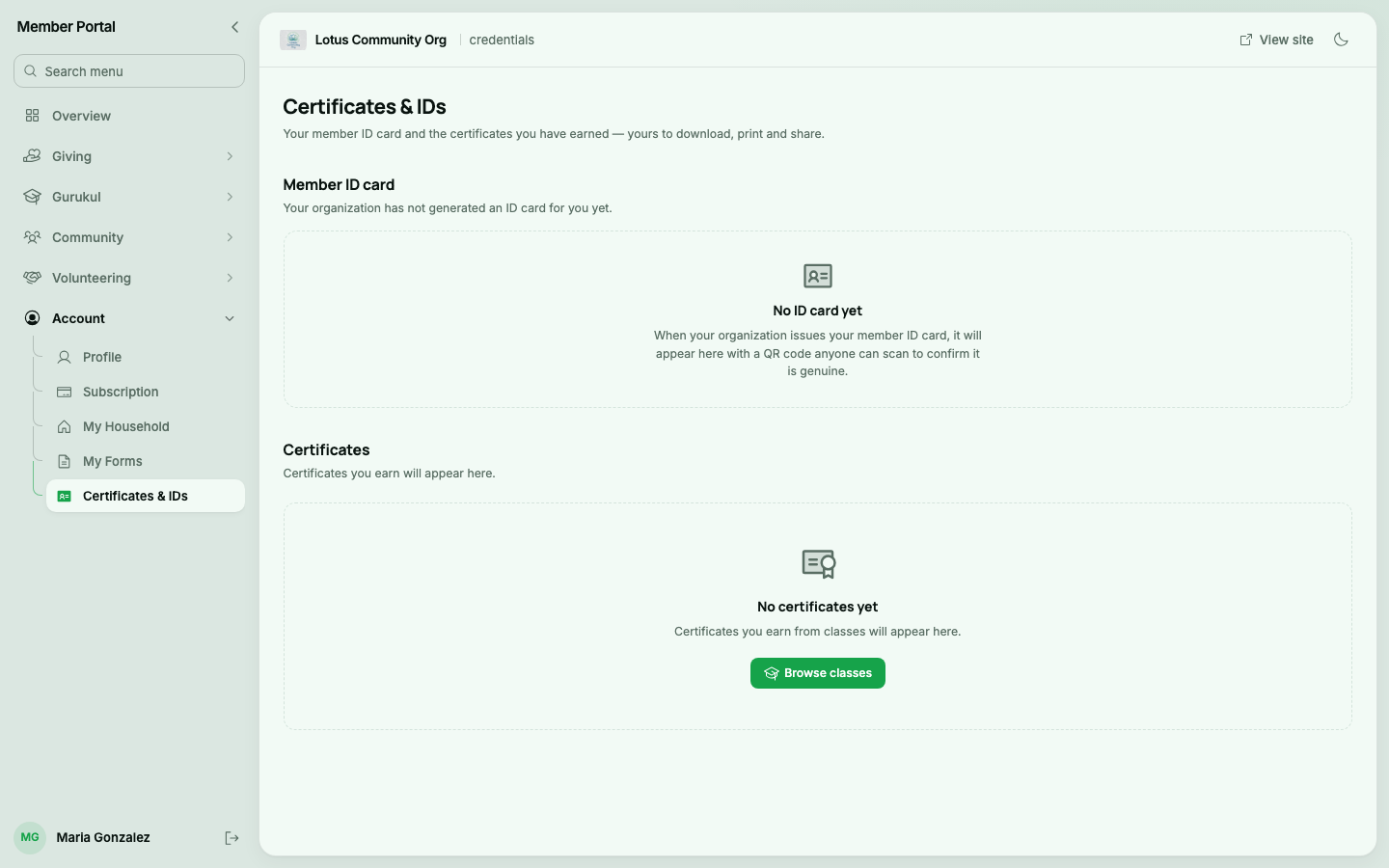
Members find their credentials under Account → Certificates & IDs
(/dashboard/credentials). (Requires the ID Cards or Certificates module —
each half appears only if your plan includes it.)
Member ID card
Section titled “Member ID card”- Members see their own card and, for adults, their household members’ cards (so a parent can print a child’s card).
- Each card shows a status (active, expiring soon, expired). Members can view it (front and back), download the front/back images, print a card-size PDF, and open the verification page its QR code links to.
Certificates
Section titled “Certificates”- A grid of certificates the member has earned, plus a household group for certificates earned by other family members.
- For each certificate, members can view it, download a full-resolution image, and share it.
- Sharing is off by default — a member turns on public sharing per certificate to get a public link and social preview; turning it off makes it private again.
- Certificates and ID cards are created by staff — see Certificates & ID cards. Members view and download them here; they don’t create their own.
- A credential whose image is missing shows a notice to contact your organization, rather than regenerating itself.