Classes (for members)
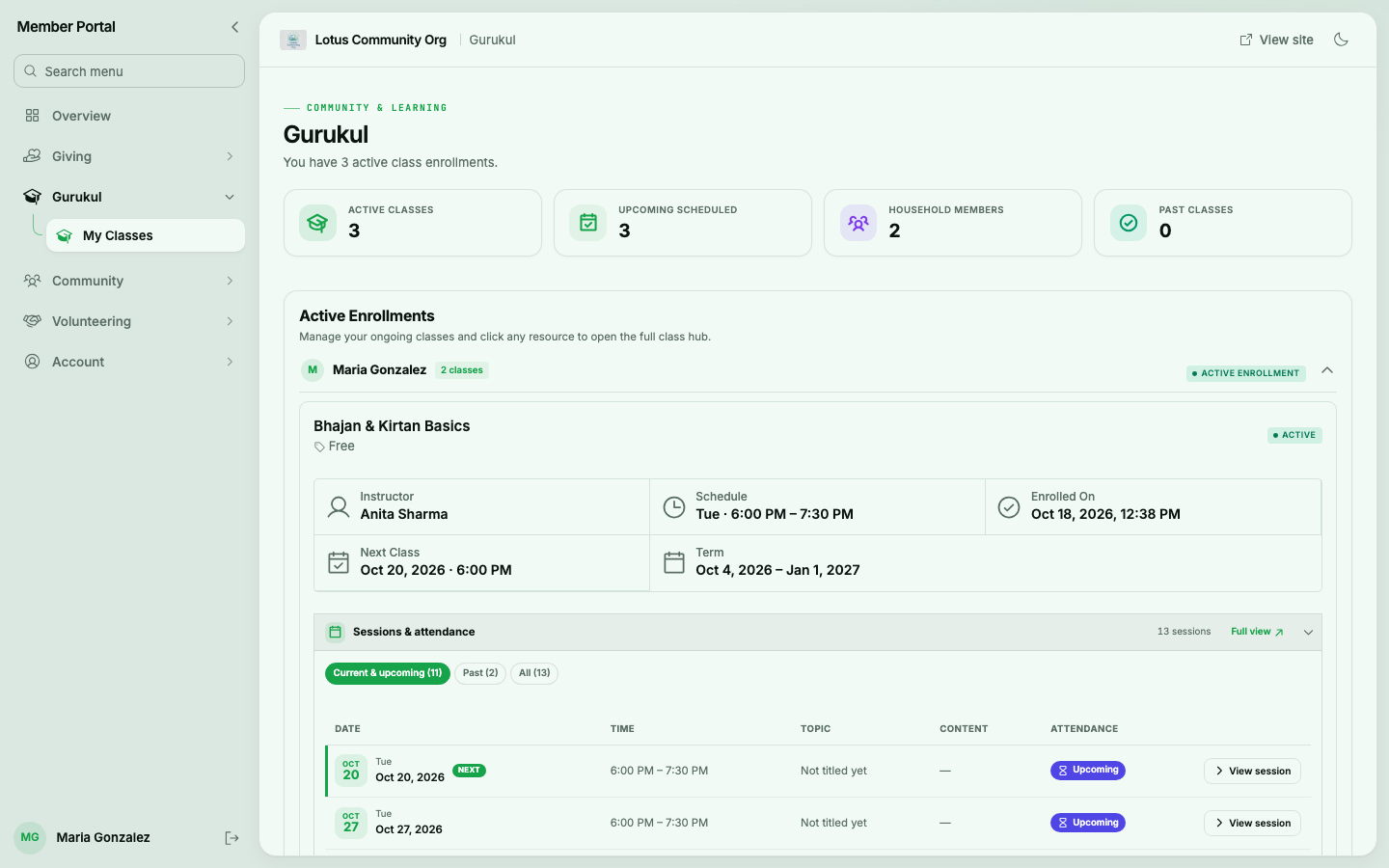
Families manage their classes under Learning → Gurukul
(/dashboard/gurukul). (Requires the Classes module.)
Enrolling
Section titled “Enrolling”Enrollment is organized around the household, so a member needs a household first (the page prompts them to create one if they don’t have it). To enroll:
- From Browse and enroll, pick a class.
- Choose the student — any member of their household (including managed children).
- Pick a price option (or a household pass that covers multiple children).
- Choose how to pay — card now, an emailed invoice, or an offline method (cash, check, Zelle, and so on). The review step shows an itemized total, and if a sibling discount applies it’s shown and named as its own line, not folded invisibly into the total. Free classes skip payment.
Managing their classes
Section titled “Managing their classes”The landing page groups enrollments by child and shows:
- Active enrollments — status, schedule, next class, next payment, and attendance summary, with a button to open the class hub.
- Past enrollments, paused enrollments, and waitlisted classes (with their position and any claim offer).
- Recent payments and any outstanding invoices with a pay link.
Members can cancel an active enrollment (access ends right away, the seat is released, and a card subscription is stopped), and change the payment method on an unpaid enrollment.
The class hub
Section titled “The class hub”Opening a class shows tabs for Overview, Updates, Materials (files, links, and videos open right in the page), Sessions (with recaps), Homework (submit work and see history), Classmates, and Message teacher.
Payment and access
Section titled “Payment and access”The price shown for each enrollment — on the dashboard and in the class hub — is the exact amount charged each period, including any administrative fee, processing fee, and sibling discount, not just the base class fee.
For a paid class, class content opens once the enrollment is paid. While payment is outstanding the seat is held, but the content tabs show a short “awaiting payment — your seat is held” notice instead of the materials. Free classes are always open. (Staff can record offline payments to open access — see Classes.)
What members cannot do
Section titled “What members cannot do”- They can’t enroll without a household.
- Pausing/resuming an enrollment is staff-only; families get Cancel.
- A member only sees their own household’s enrollments and classmates who haven’t hidden themselves.