Classes (Gurukul)
Gurukul is Sevabase’s lightweight system for running classes — a catalog of classes families can enroll in, with attendance, instructor tools, session content, and payments.
Who can access: Manage classes for the catalog; Manage class enrollments for rosters and payments; instructors get Manage assigned class enrollments for their own classes. Part of the Gurukul module. Families enroll and attend through the portal.
Where: left menu → Gurukul.
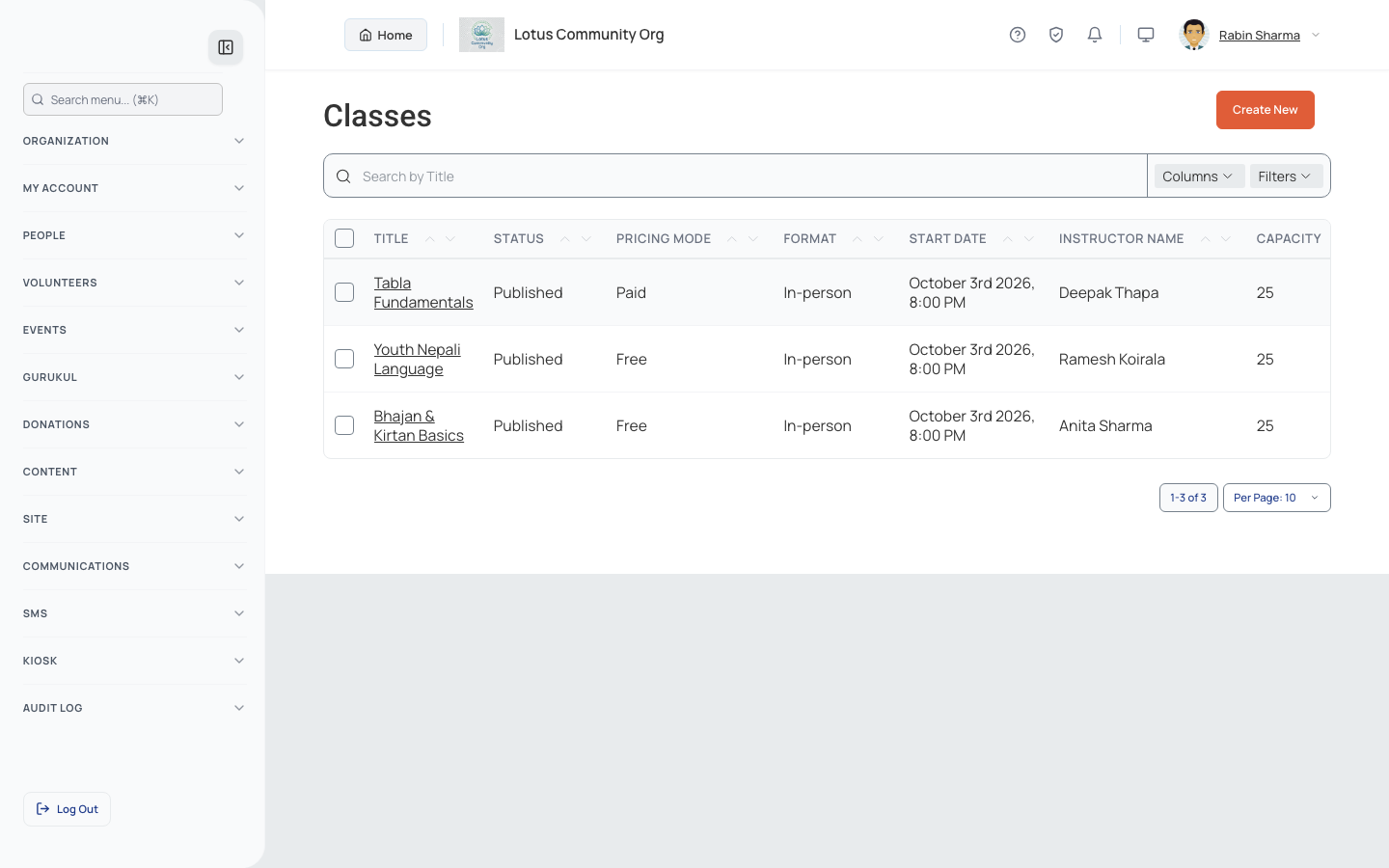
Creating a class
Section titled “Creating a class”Open Gurukul → Classes → Create. A class has:
- Title, description, and image, and a status (Draft / Published / Archived).
- A schedule — format (in-person, virtual, hybrid), start and end dates, a recurrence of None (single session), Weekly, Biweekly, or Monthly, days and times.
- Pricing — free, or paid with one or more price options. Household pricing lets a family enroll multiple children under one payment, and an optional family discount percentage reduces tuition for additional children in the same household.
- Capacity and an optional waitlist.
- An instructor — adding one gives that person instructor tools for the class.
Sessions follow the schedule automatically; you don’t create each week by hand.
Enrolling students
Section titled “Enrolling students”- Families enroll themselves from the member portal — they pick a student in their household, a price option, and a payment method.
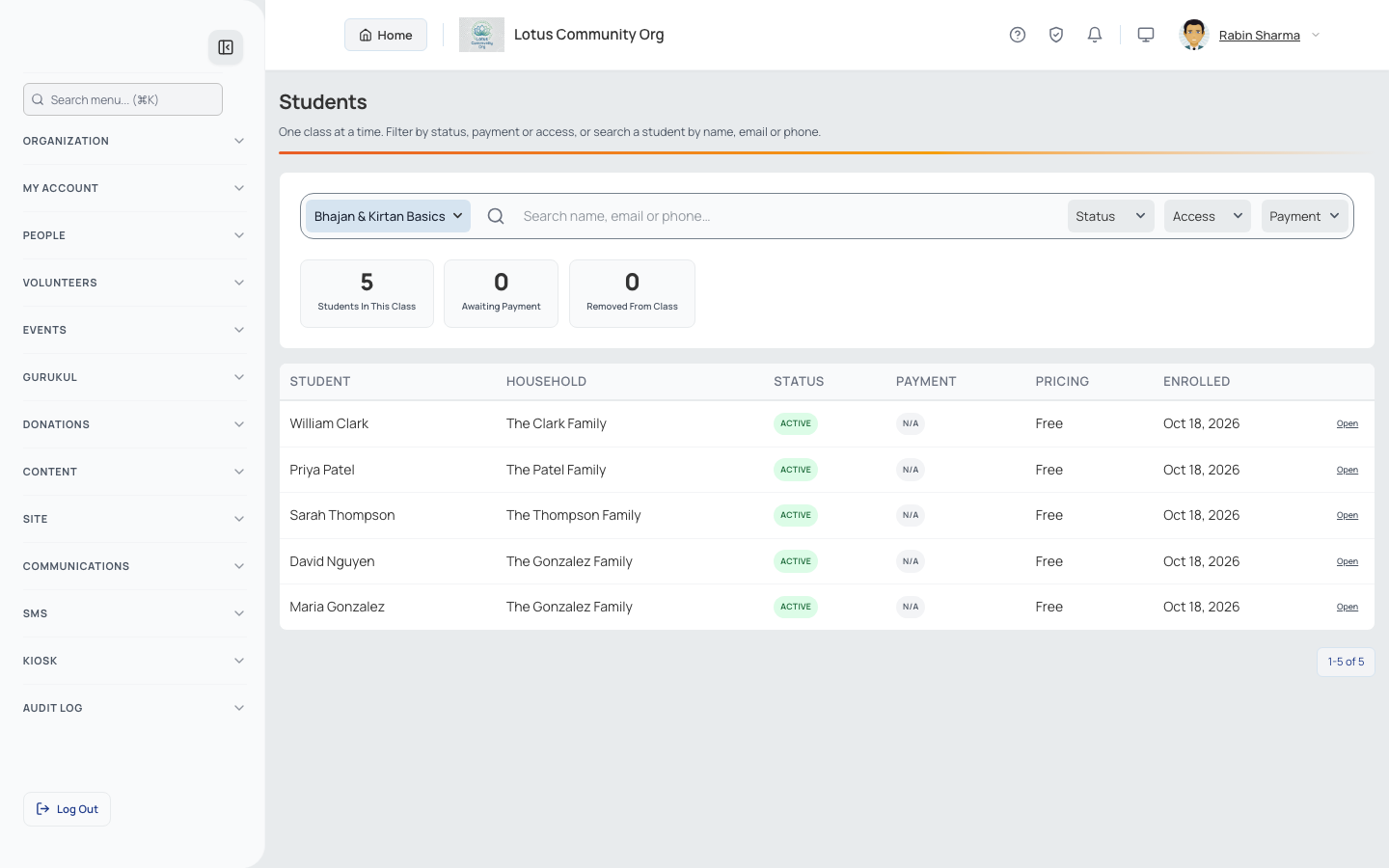
- Staff can enroll on a family’s behalf from the Students view or the class’s own roster, including marking a cash/check payment or letting the family pay later.
Full classes offer a waitlist; when a seat frees up, the next family is offered it for a limited time.
The instructor portal
Section titled “The instructor portal”Instructors work from their own area (under the member portal) where they can:
- Take attendance for each session.
- Post session content — the topic, a recap, and materials (files, links, videos).
- Post class updates (announcements) and review homework students submit.
- Message families.
An instructor only sees the classes they teach.
Payments and access
Section titled “Payments and access”For paid classes, a family’s access to class content (materials, sessions, messages) is tied to payment: content opens once the enrollment is paid, and the seat is held in the meantime. Free classes are always open. Staff can record cash/check/other payments and send invoices from Gurukul → Students. Gurukul → Invoices & Payments is a read-only view with CSV export — refunds are issued from Students, by opening the student’s enrollment detail.
Wherever a price appears — the Students table, an enrollment’s detail, and the roster — it’s the actual per-payment amount, with any administrative fee, processing fee, and family discount named alongside it, not just the base class fee. A receipt always reflects the amount actually collected.
Certificates
Section titled “Certificates”Issue completion or award certificates to a class from its roster.
Limitations
Section titled “Limitations”- Some advanced options (transferring a student between classes, scholarship codes, automatic completion certificates) are not yet available.
- Class times are on your organization’s clock; see Troubleshooting.