Certificates & ID cards
Sevabase can produce two kinds of printable credentials: certificates (for class completion, awards, and recognition) and member ID cards.
Certificates
Section titled “Certificates”Who can access: Manage certificates to design and view all; Issue certificates to hand them out (instructors can issue for their own classes). Part of the Certificates module.
Where: left menu → Gurukul → Certificate Designs and Issued Certificates.
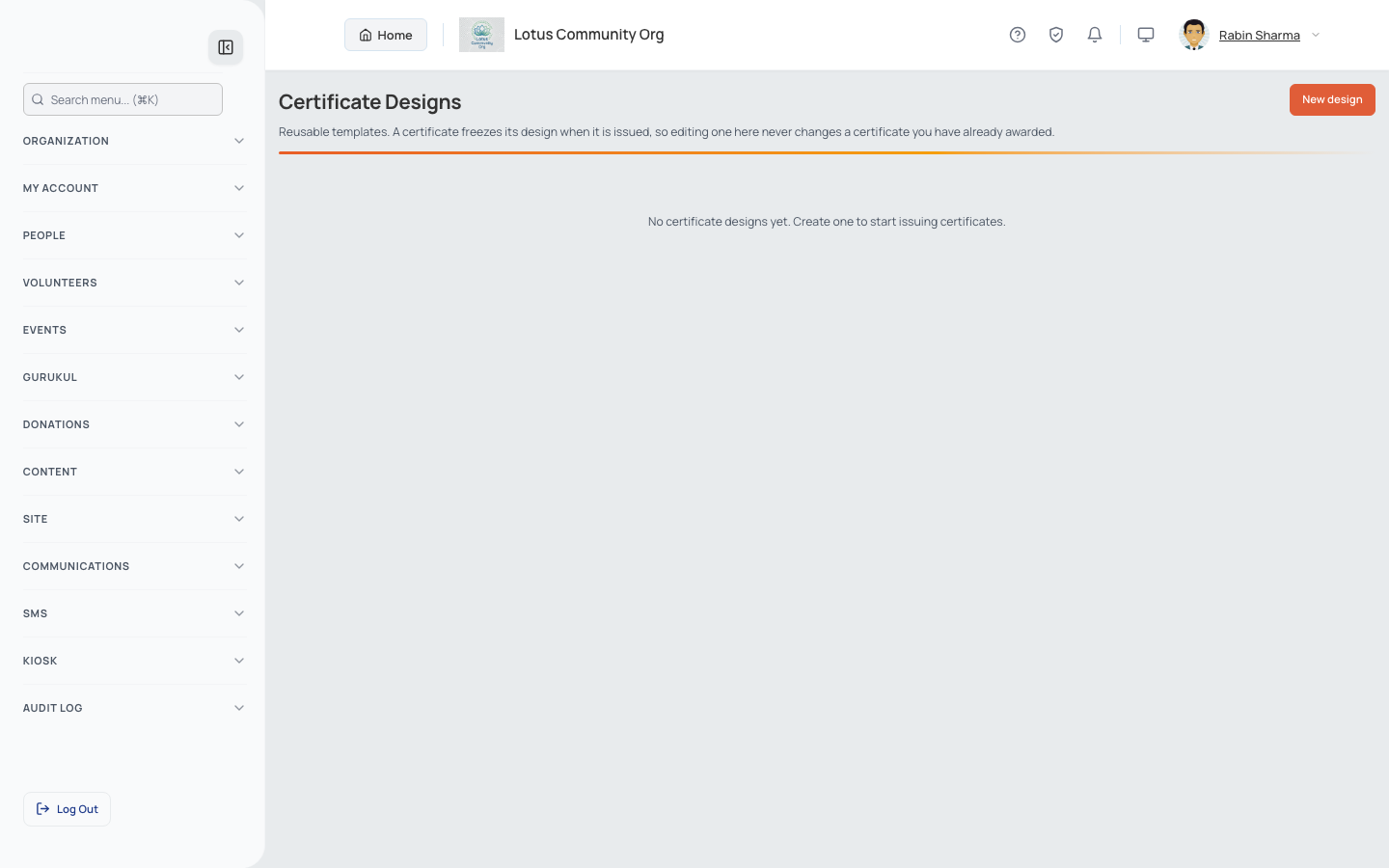
Designing and issuing
Section titled “Designing and issuing”- Create a design — layout, colors (your theme or custom), a background image, up to three signatures, and text with fill-in fields like the recipient’s name and the date.
- Issue it — to a whole class roster, to selected members, or to new people you add by name and email.
- Recipients get an email linking to their certificate. Each certificate has a public link and a verification page where anyone can check it’s genuine by its serial number.
Members see their certificates in the portal under Certificates & IDs, where they can view, download, and share them.
- Certificates are produced as both an image and a PDF — downloads are available from the member’s dashboard.
- Each certificate is generated once and never changes; re-issuing creates a new version.
Member ID cards
Section titled “Member ID cards”Who can access: Manage ID card templates to design; Issue ID cards to generate them. Part of the ID Cards module.
Where: left menu → People → ID Card Designs and Member ID Cards.
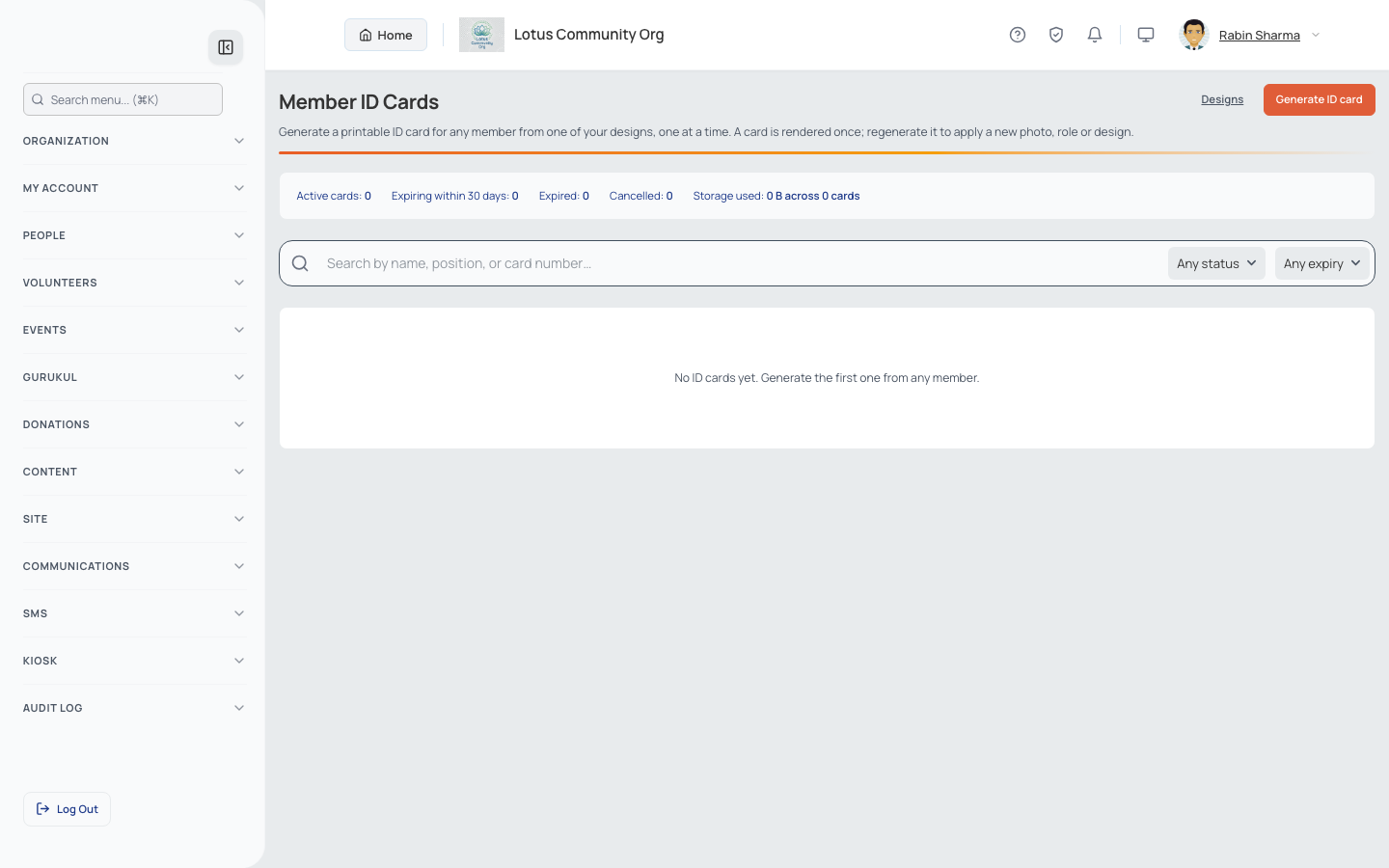
How they work
Section titled “How they work”- Create a design — one of several card layouts, your logo and colors, which member details to show, and a QR code.
- Generate a card for a member. Each member has one live card; regenerating keeps the same card number and QR code (good for a reprint). Choose issue as new only when a card is lost, which creates a new number.
- The card’s QR code links to a verification page. Members see and download their card in the portal under Certificates & IDs.
Limitations
Section titled “Limitations”- There’s no bulk “generate for everyone” yet — ID cards are made one at a time.
- Certificates and ID cards are not emailed as attachments; recipients open them from a link or their dashboard.