Reports & exports
Most areas of Sevabase have a report view and let you export the data for your records or accountant.
Who can access: each report uses its area’s “view report” permission (for example View donation report).
Donations
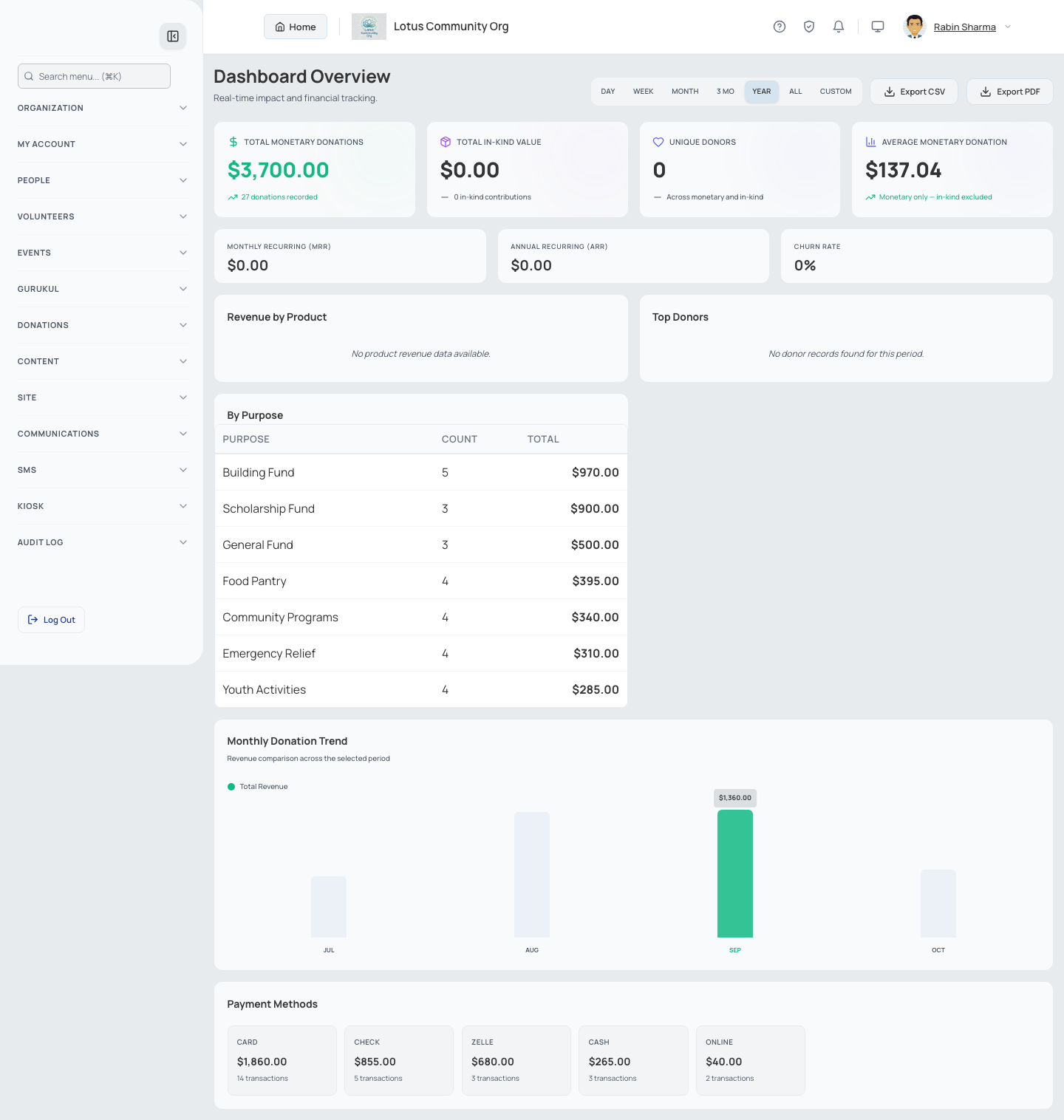
Section titled “Donations”Donations → Donation Report shows totals, top donors, in-kind gifts by category, and a monthly trend, and exports to CSV and PDF. The All Donations list also exports, and you can export gifts by date range.
Volunteers
Section titled “Volunteers”Volunteers → Volunteer Report shows totals over a date range, a leaderboard, and top events, with a CSV export and year-end summaries.
Events
Section titled “Events”Events → Event Report shows registrations and attendance per event on screen.
Classes (Gurukul)
Section titled “Classes (Gurukul)”Gurukul → Reports has tabs for revenue, attendance, enrollment status, engagement, and growth, each exportable to CSV. You can also export a class roster and payments, and produce invoice PDFs.
Tax statements
Section titled “Tax statements”Year-end donor tax statements are produced as PDFs — see Receipts & tax statements.