Forms
Sevabase has two form tools: a built-in contact form and a form builder for custom forms.
The contact form
Section titled “The contact form”Your public site includes a contact form. Messages arrive in Communications → Contact Forms, and a notification email goes to the address you set in Settings → Notifications. Senders also get an acknowledgment email.
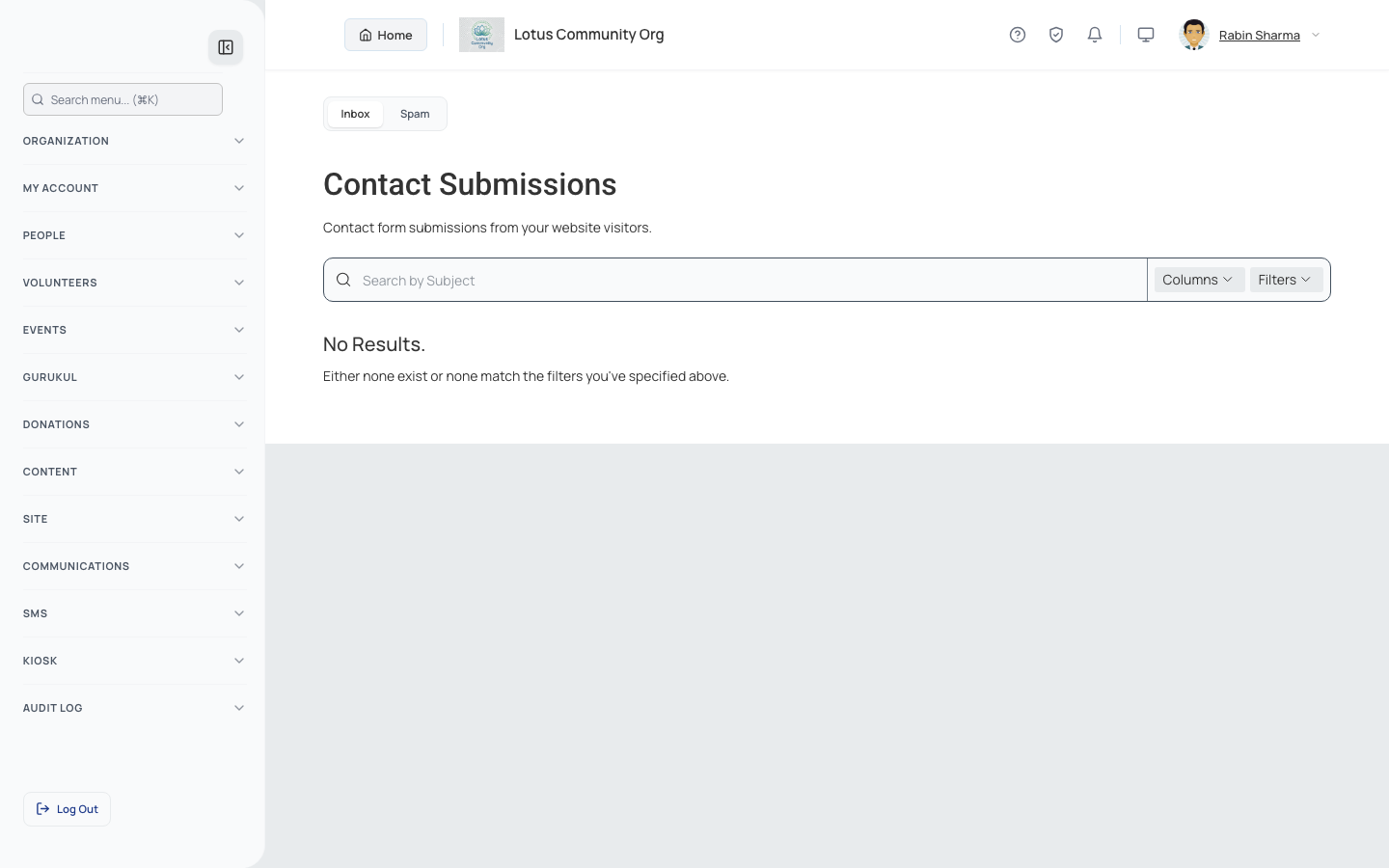
Who can access: Get contact forms to read submissions. You can mark messages read, replied, archived, or spam; suspected spam is filtered into its own view.
Custom forms
Section titled “Custom forms”Who can access: Add / Update / Delete forms to build them; Get form submissions to read responses. Part of the Forms module.
Where: left menu → Content → Forms (build) and Form Submissions (responses).
Building a form
Section titled “Building a form”- In Forms, create a form and add the fields you need.
- Add it to any page with the Form block — see Your public website.
- Responses land in Form Submissions, where you can read and export them.
Payment forms
Section titled “Payment forms”A custom form can collect a payment on submission (for example an application fee), charged through Stripe. Paid submissions show the amount and payment status, and staff can refund from the submissions view.
Members’ submissions
Section titled “Members’ submissions”Members can see their own form submissions in the portal.